How to Find Every Forgotten Subscription Draining Your Bank Account

Of every category in the ADHD tax, forgotten subscriptions are the single fastest one to fix, and usually the most profitable. A 20-minute "subscription hunt" tonight can easily find $120-480 a year hiding in your bank statement. Here's exactly how to do it.
Step 1: pull up 60 days of statements, not 30
Thirty days only shows you monthly charges. Sixty days catches things that renew every other month, plus anything that just missed last month's window. Open your banking app and scroll back two full months.
Step 2: highlight every single recurring charge
Not just the ones you recognize, every charge that repeats, even ones you don't immediately place. That "TS*DIGITALSVC" charge for $9.99 that shows up every month? That's exactly the kind of thing this hunt is designed to catch.
Step 3: check the app store separately
This is the step almost everyone skips. Phone subscriptions (iOS/Android app subscriptions) usually don't show up clearly on a bank statement the same way, they route through your app store account. Open Settings → your name → Subscriptions (iPhone) or Play Store → Subscriptions (Android) and look there too.
Step 4: for each one, ask "when did I last actually use this?"
Not "would I maybe use this again someday", when did you actually open it last. If the honest answer is "months ago," it's a candidate for cancellation. Write down KEEP or KILL next to each one.
Step 5: cancel the kills right now, not later
"Later" is where subscriptions go to become permanent. If you've identified it as a kill, cancel it in the same sitting, most services let you do it in under two minutes online, no phone call required.
Make it stick: put it on a repeat calendar reminder
Subscriptions creep back over time, do the hunt again every 3 months. Set a recurring calendar reminder right now called "Subscription Hunt" so future-you doesn't have to remember on their own.
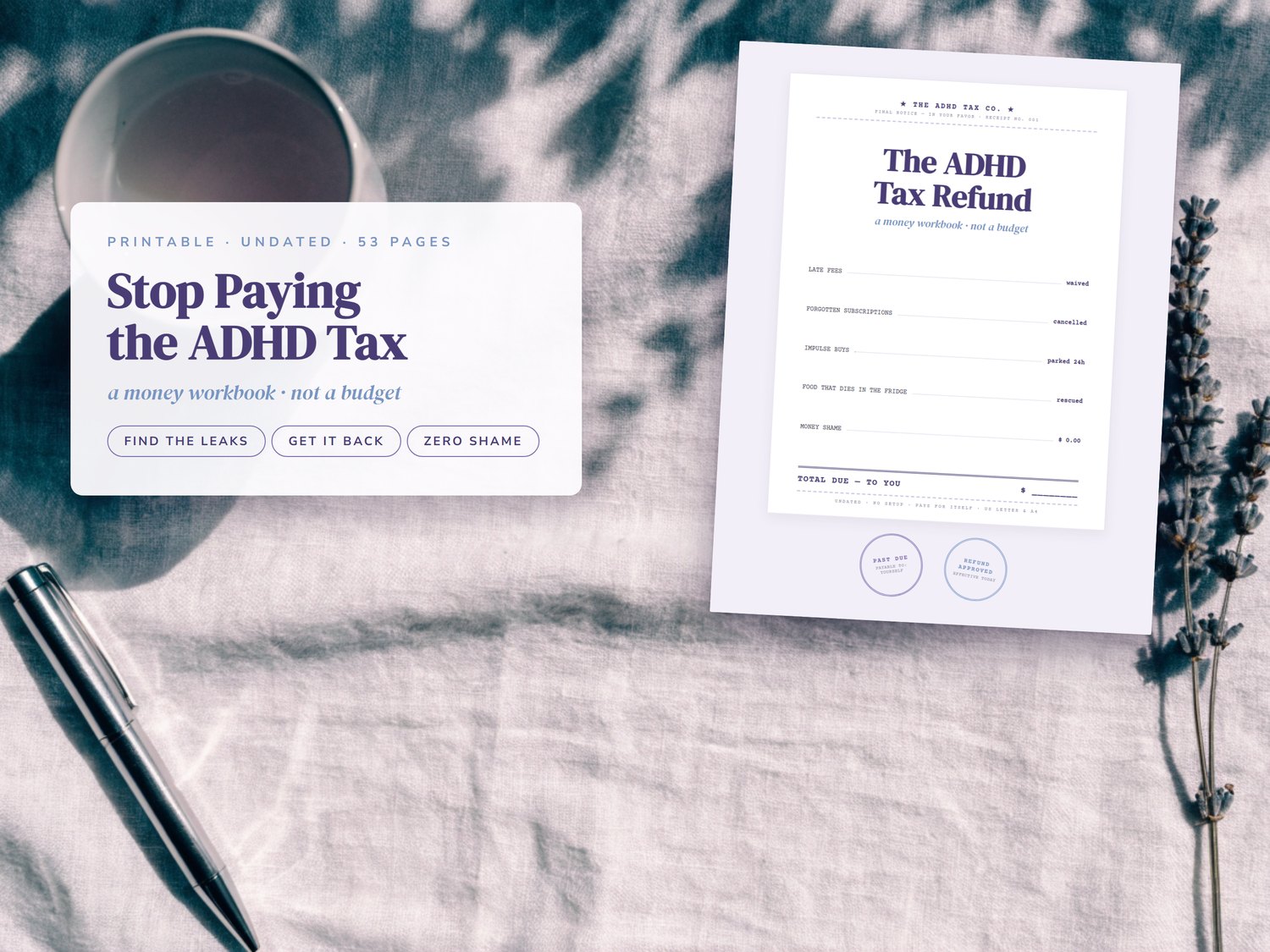
Want a structured page to actually run this hunt on, with columns for the monthly cost, when you last used it, and a running yearly total? That's exactly what the Subscription Hunt worksheet in The ADHD Tax Refund is built for.